

You send a newsletter, post on social media, and run a small ad — then analytics shows a pile of visits labelled “Direct.” Which link brought those people? You cannot tell, because none of those links carried a label. UTM parameters are those labels.
A UTM parameter is a short tag you add to the end of a link. It does not change the page; it rides along in the address so analytics can file the visit under the source, medium and campaign you chose. Tagging properly takes a minute, and it is the difference between guessing which campaign worked and knowing.
The short answer: labels on your links
UTM stands for Urchin Tracking Module, named after Urchin, the analytics product Google acquired in 2005 and turned into Google Analytics. Every tagged link carries a few named values, like this:
https://example.com/spring-sale?utm_source=newsletter&utm_medium=email&utm_campaign=spring-sale
Everything after the question mark is the tagging: a name, an equals sign and a value, joined by & signs. The page itself is unchanged — a visitor who clicks the tagged link sees exactly the same page as one who types the plain address. The only difference is what your analytics learns.
Why untagged links go missing
Most analytics tools label some traffic on their own. A click from another website usually carries a referrer — the address of the page it came from. But many of the places you share links do not pass a useful referrer. Email clients, social apps and messaging apps often strip it or never send one, so the visit arrives with nothing to identify it and analytics files it as Direct, which really means “we do not know where this came from.”
UTM tags solve this by putting the answer in the link itself. A newsletter link tagged utm_source=newsletter&utm_medium=email arrives already labelled, no matter which app the reader opened it in. The same goes for a social post, a paid ad, a partner’s website or a QR code on a printed flyer: if you control the link, you can label it.
The five UTM parameters, one by one
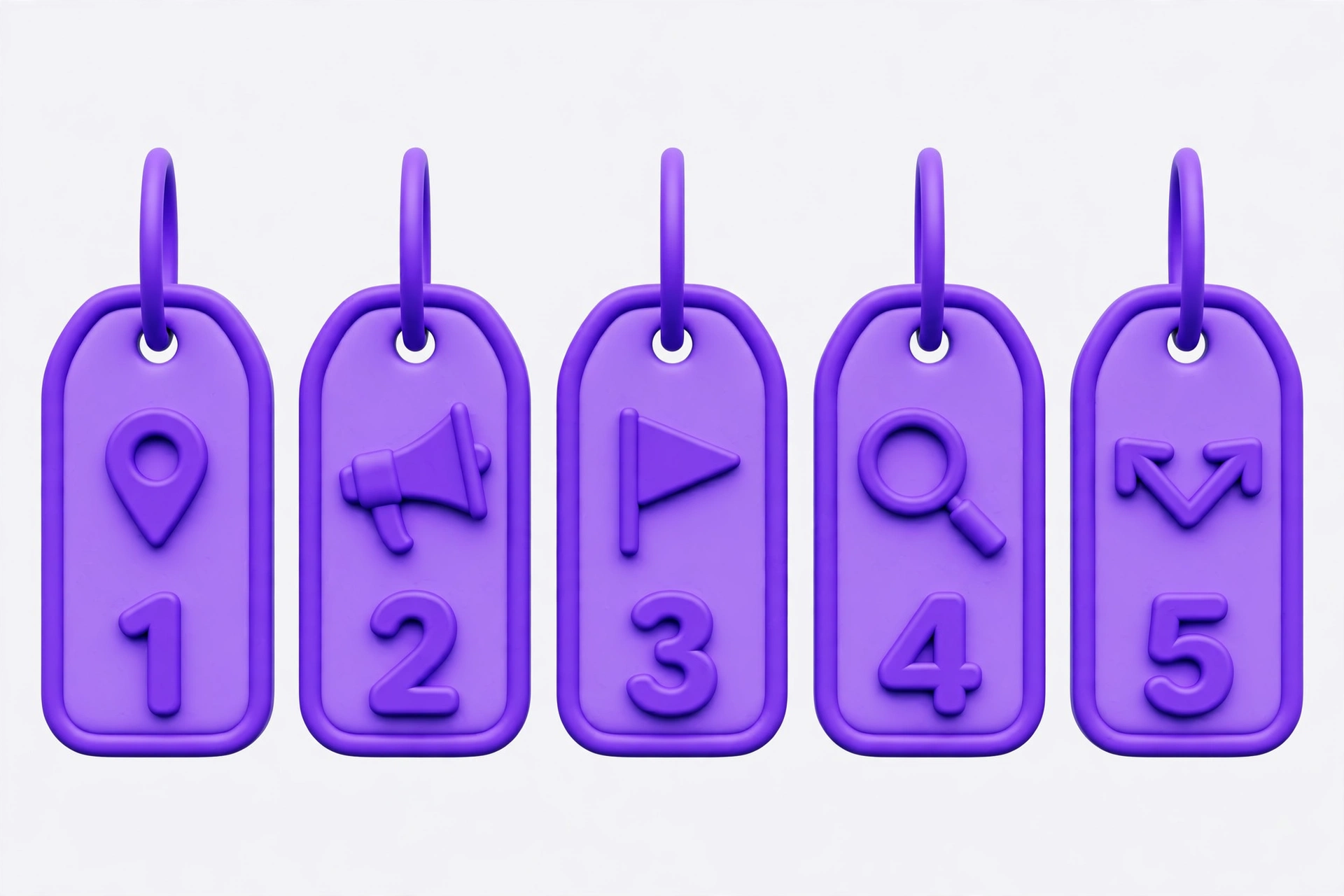
There are five classic UTM parameters. Google’s guidance is to always use the first three together — source, medium and campaign — and add the other two only when they answer a question you actually have.
utm_source — where did the visit come from? The specific sender: the platform, publication or list, such as newsletter, facebook, google or partner-blog.
utm_medium — what kind of channel was it? The type of channel, not the platform: email, social, cpc (cost-per-click advertising), referral, qr. This is the pair people mix up most: the source is the specific place, the medium is the category it belongs to. A newsletter is a source; email is its medium. Facebook is a source; social is its medium.
utm_campaign — which push does this link belong to? The name of the campaign or promotion, such as spring-sale or may-newsletter. One campaign name should cover every link for that push, across every channel, so all its visits roll up into a single row in your reports.
utm_term — which paid-search keyword triggered the ad? Almost only for paid search: it records the keyword that triggered the ad. Skip it everywhere else; on an email or social link it adds noise, not information.
utm_content — which exact link or creative was clicked? Use this when two links in the same campaign point to the same page and you want to tell them apart — the hero button versus the footer link in one newsletter, for example. Values like hero-button and footer-link let you compare them without splitting the campaign into pieces.
One campaign, three tagged links
Take one campaign, tagged three ways. Imagine a small shop running a spring sale: the landing page is the same for everyone; only the tags change.
The newsletter link:
https://example.com/spring-sale?utm_source=newsletter&utm_medium=email&utm_campaign=spring-sale
The social post:
https://example.com/spring-sale?utm_source=facebook&utm_medium=social&utm_campaign=spring-sale
The paid search ad:
https://example.com/spring-sale?utm_source=google&utm_medium=cpc&utm_campaign=spring-sale&utm_term=spring-dresses
Notice what stays the same and what changes. The campaign name, spring-sale, is identical in all three — that is what groups them together. The source and medium change with each placement, letting you break the campaign apart by channel later. Only the paid ad carries utm_term, because only it has a triggering keyword worth recording.
Now suppose the newsletter has two links to the same sale page — a button at the top and a text link at the bottom. Tag them alike except for content:
...&utm_campaign=spring-sale&utm_content=hero-button ...&utm_campaign=spring-sale&utm_content=footer-link
Same campaign, source and medium — but now you can see which link readers actually clicked. That is the whole point of utm_content: finer detail without breaking the campaign into fragments.
The naming convention that keeps reports clean
UTM values are case-sensitive. Google’s documentation states this plainly: utm_source=google and utm_source=Google are two different values, appearing as two separate rows in your reports. The same happens with spelling: newsletter, Newsletter and newsletter4 are three sources, not one.
So before you tag anything, pick a convention and write it down:
- Lowercase everything. No capitals anywhere in a UTM value.
- Hyphens instead of spaces.
spring-sale, notspring sale; raw spaces turn into%20and break easily when copied by hand. - One spelling per platform. Choose
facebookand use it every time — notfbon one post andFacebookon the next. - One medium per channel type. Organic social gets
social; paid social getspaid_socialorcpc— pick one and stick to it. - Never change naming halfway through a campaign. Renaming mid-flight splits its history into two rows you cannot merge back.
Consistency matters more than which exact convention you choose. A boring, repeated naming scheme is what makes a report readable a month later.
Five mistakes that ruin campaign reports
1. Tagging internal links. The most damaging mistake, and the easiest to make. UTM tags belong on links that bring people to your site from outside — newsletters, social posts, ads, partner pages. Never put them on links inside your own site, such as navigation or in-article links: a tagged internal link can overwrite the record of where a visitor originally came from. Your own site’s links should stay plain.
2. Mixed case and mixed spellings. LinkedIn, linkedin and li become three separate sources. Lowercase, one spelling, every time.
3. Putting the platform in the medium field. utm_medium=facebook is a common error: Facebook is a source; the medium is the channel type — social. Swapping them breaks the channel groupings your analytics builds from the medium value.
4. Giving every post its own campaign name. If each post gets a brand-new campaign name, you can never see the campaign as a whole. Campaign names are for pushes, not posts; use utm_content for the individual post or link variation.
5. Forgetting to tag at all — or tagging only some links. A half-tagged campaign looks measured while it is not: the untagged links still land as Direct, so the tagged links get all the credit and the untagged placements look like they did nothing. Make tagging part of publishing the link, not an afterthought.
What UTM tags cannot do
UTM tags measure traffic; they do not fix the offer. A well-tagged link to a weak landing page will still convert poorly — you will simply know exactly which placement sent the visitors who did not buy.
They do not prove causation on their own. A post can create awareness without a click, and a click can come from someone who was already convinced elsewhere. Use UTM data alongside the bigger picture.
They do not replace auto-tagging on Google Ads. Google Ads already labels its own clicks automatically with a parameter called gclid; adding manual UTM tags on top can cause data discrepancies. Manual tagging is for the other platforms — email, social, partner sites, print — where no automatic labelling exists.
And they are visible. Anyone who looks at the link can see the tags, so keep values short and professional, free of internal jokes or private notes.
One related limit: UTM tags label traffic for analytics; they do not control crawling or indexing. Telling search engines which pages they may visit is a different mechanism — a robots.txt file, which works on crawlers, not on analytics.
Where to see the results in GA4
Tagged-link results appear in Google Analytics 4 under Reports, then Acquisition, then Traffic acquisition. Break the table down by Session source / medium for each channel, or by Session campaign for each campaign. utm_content appears under Session manual ad content, and utm_term under Session manual term.
One detail that confuses people: UTM values do not show up in the Landing page + query string or Page path + query string dimensions — Google strips them there. To see the full tagged URL, use the Page location dimension instead.
Build your tagged link without typing it by hand
Typing UTM tags by hand is where most typos happen — a missing &, a capital letter, a space that should have been a hyphen. A builder removes that risk: paste the destination page, fill in source, medium and campaign, add term or content only if you need them, and copy the finished link.
The free UTM Link Builder on Manage My Tools does exactly that, so every link in a campaign comes out in the same format. It builds the link only: it does not connect to analytics, track visits or read reports. For more on-page SEO helpers in the same set, browse the free SEO tools or see all free tools.
Start with one campaign and one convention. Tag every link it sends out, keep the spellings identical, and leave internal links plain. A month from now, the report will show which placements earned their keep, and which ones only looked busy.
FAQ
Do I need all five UTM parameters on every link? No. Source, medium and campaign are the three to set every time; add term only for paid search and content only to tell two links in the same campaign apart.
Do UTM parameters change the page or slow it down? No. The destination page is untouched; the parameters are read by analytics when the visit lands.
Should I tag links in my own email signature or social bio? Yes, if those links bring people to your site from outside it — that is exactly what UTM tags are for. A permanent bio link is better tagged with a steady campaign name than with a new one each month.
What happens if a URL already has parameters? The existing parameters stay, and the UTM tags are added after them, joined with &. If the URL has a # fragment, the tags go before it, because anything after the hash is not sent to the server.