

You publish a page, share it, and someone else links to it — and suddenly the same content lives at several addresses. One version has www, another does not. One carries a tracking parameter from a shared link. One ends with a slash, one without. To a reader they are all the same page. To a search engine they are separate URLs, and it has to decide which one counts.
That decision is what a canonical URL is for: your way of saying which of those addresses is the main one. Get it right and the signals for all those versions point at one page. Get it wrong and the wrong version can end up in search results — or the page can drop out of them.
The short answer
So, what is a canonical URL, exactly? It is the preferred version of a web page — the one address you want search engines to index and show in search results when the same, or very similar, content is reachable at more than one URL. You declare it with a small tag in the page’s HTML head:
<link rel="canonical" href="https://example.com/your-page/">
Every duplicate version should carry that same tag, pointing at the same preferred address. The preferred page itself should carry it too, pointing at itself — a self-referencing canonical. That surprises people, but it is the baseline Google recommends: each indexable page states its own clean address as its canonical.
One sentence to carry through this guide: a canonical tag is a vote, not an order. Search engines treat it as a strong hint and can still choose a different version if the other signals disagree.
Where duplicate URLs come from
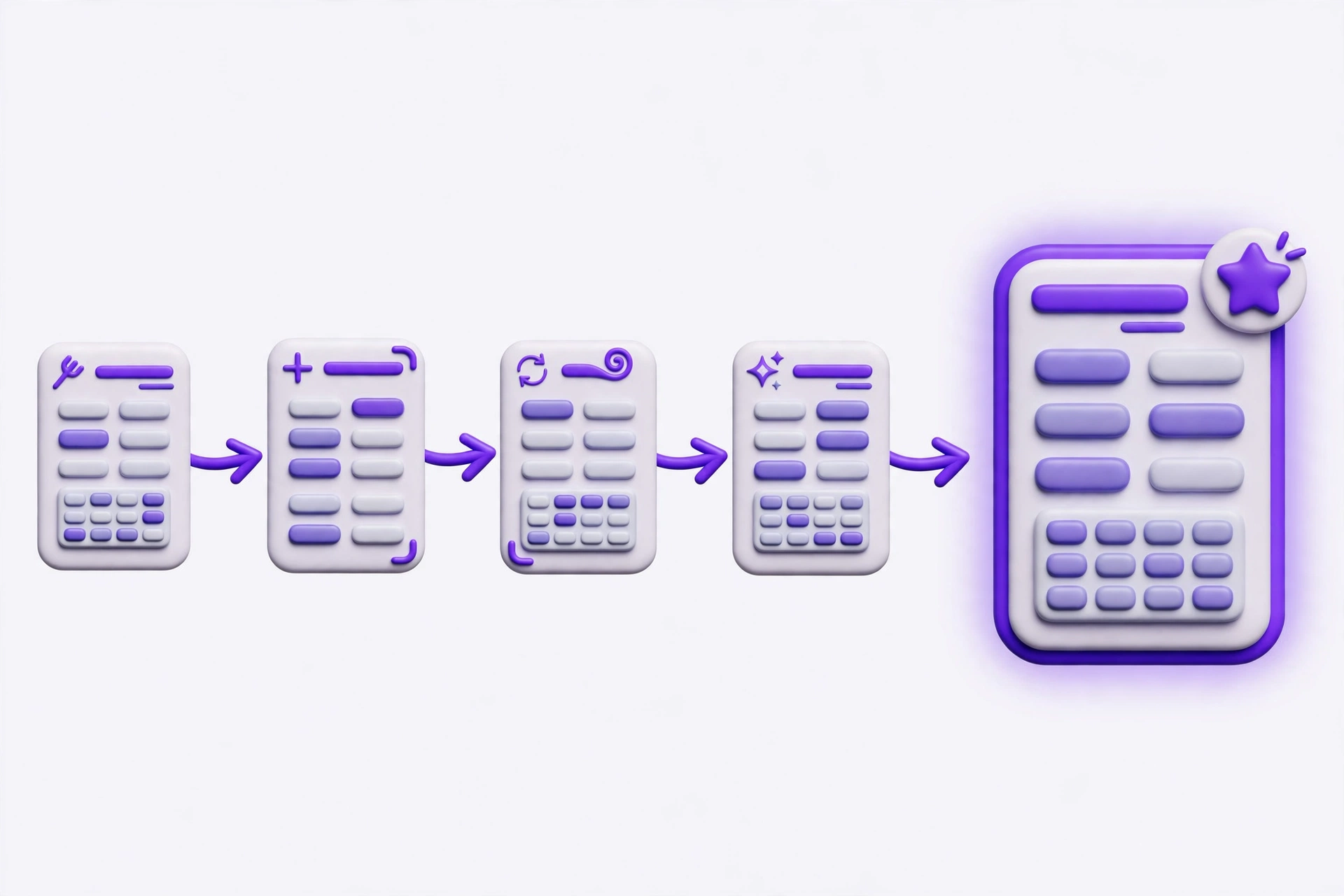
Most duplicates are accidents, not copies:
- Protocol variants: http://example.com/page and https://example.com/page are different URLs.
- Host variants: www.example.com/page and example.com/page are different URLs.
- Trailing slashes: example.com/page and example.com/page/ are different URLs.
- Tracking parameters: a shared link adds ?utm_source=…, ?gclid=…, or ?fbclid=…, and the page still loads.
- Sorting and filtering: a listing page with ?sort=price or ?colour=blue shows largely the same content at a new address each time.
- Print, mobile, and session variants: a print view, a separate mobile address, or a session ID in the URL creates yet another copy.
Google’s own documentation says some duplicate content is normal and is not a spam-policy violation. The problem is only which version ends up representing the group. Left alone, a search engine picks one — and it may pick the tracking-parameter version or the print view, because nothing told it otherwise.
A canonical tag is a hint, not a rule
When Google finds several URLs with the same or very similar main content, it groups them into a cluster and chooses one as the representative — the canonical. The others are duplicates: usually crawled less often, and usually not shown in results.
Your tag is one input into that choice. Google’s documentation ranks the signals it weighs: redirects strongest, then the rel="canonical" annotation, then sitemap inclusion (weak). The methods stack, so using two or more together increases the chance your preferred URL is the one that appears.
That ordering explains a Search Console status many site owners meet sooner or later: “Duplicate, Google chose different canonical than user.” It means you declared a canonical, Google weighed the other signals, and landed on a different URL. When you see it, the fix is rarely to repeat the tag louder. It is to find the signal that disagrees with it — usually one of the mistakes below.
Mistake 1: pointing the canonical at the wrong page
Every page canonicalized to the homepage. This usually happens when a template fills in the home address as a default. Every article and category page then tells search engines that the homepage is its main version, so none of them can stand on their own.
Canonical to a page with different content. A canonical only makes sense when the target shows the same or very similar content. Pointing a product page at its category page does not consolidate anything — it tells the search engine that two different pages are one page.
Canonical to a page that cannot be used. The target must be a live, indexable page that returns a normal success response. A canonical pointing at a 404 error page, at a page that redirects somewhere else, or at a page marked noindex is a conflicting signal, and it is likely to be ignored.
Mistake 2: chains and loops
Canonical tags should point directly at the final version — never through a chain. In a chain, page A declares page B, but page B declares page C, so a search engine must resolve two hops to reach the page that counts, and each hop is a chance for the signal to weaken. The fix is simple: point A straight at C, and point B straight at C as well.
A loop is worse: page A declares page B, and page B declares page A. Neither page is the main version, because each one defers to the other. Loops usually come from a copy-and-paste error, and they are easy to miss because each tag looks reasonable on its own.
Mistake 3: mixing canonical with conflicting signals
A canonical tag does not override everything else on the page. When the instructions on and around a page contradict each other, search engines have to guess which one you meant.
- Canonical plus noindex on the same page. These pull in opposite directions: the canonical says “treat that other page as the main version,” while noindex says “do not index this page at all.”
- Canonical target blocked by robots.txt. If the page you point at cannot be crawled, the search engine cannot confirm it matches. Google’s documentation is explicit: do not use the robots.txt file for canonicalization purposes.
- Canonical plus a redirect on the same page. If a page redirects visitors somewhere else, it should not also carry a canonical tag — the redirect is already the stronger signal, and the tag just adds noise.
The rule underneath all three is simple: every signal for a page — its tag, its indexability, its redirects, its sitemap entry — should name the same preferred version. One dissenting signal is often enough for Google to choose differently.
Mistake 4: sloppy addresses
Even a correctly aimed canonical fails if the address itself is written badly:
- Relative URLs. A canonical must be a full, absolute address — protocol, domain, and path, like https://example.com/page/. A relative address such as /page/ leaves the protocol and host to be guessed, and the guess can differ depending on how the page was reached.
- The wrong protocol. If your site runs on HTTPS, every canonical must use https://. An http:// canonical points at a version you probably redirect away anyway.
- Trailing-slash inconsistency. Pick one form and use it everywhere, matching how your site links to its own pages. Mixing the two creates two versions of every page all over again.
- More than one canonical tag. This happens when a CMS or SEO plugin adds one tag and someone adds another by hand. With two tags pointing at two addresses, search engines may ignore both.
Internal links should point at the canonical version, and the sitemap should list canonical URLs only. A canonical tag that disagrees with your own links and sitemap is a vote against itself.
Mistake 5: using a canonical where a redirect belongs
Use a 301 redirect when a page has permanently moved or gone: the old address should send visitors and search engines to the new one, and the old address should not remain as a live page. That covers http-to-https moves, www-to-non-www consolidation, a renamed slug, and a deleted page with a genuine replacement.
Use a canonical tag when the duplicate addresses all still need to exist: tracking-parameter versions, sorted and filtered views, and print views. The duplicates stay reachable, but search results show the one clean version.
Use noindex for pages you do not want in search at all, such as internal search results or staging copies — not as a way to pick between duplicates. Each of the three tools has one job; the mistakes start when one is asked to do another’s.
How to check your own canonical URLs

Checking a canonical is two separate jobs, and confusing them is how bad tags survive unnoticed: the address you plan to declare has to be clean, and the tag the live page actually serves has to say what you think it says.
Start with the address. Paste the URL you intend to declare as canonical into the free URL Structure Checker and click Run. It reviews the address itself for the shape problems that commonly undermine a canonical: a missing scheme, a fragment, and tracking parameters that do not belong in a canonical address. Its limit, stated plainly on its own page, is worth repeating: it never fetches your page, so it cannot read the real rel="canonical" tag your site serves, follow redirects, or see status codes. It cleans the address before you declare it; it does not verify the tag.
Then verify the tag itself. Open the page in a browser, view its source, and search for rel="canonical". Your CMS or SEO plugin settings show the same value. Work through this checklist for each important page:
- Is there exactly one canonical tag, and is it a full absolute URL?
- Does it point at the clean, final version — HTTPS, your chosen www form, your chosen trailing-slash form?
- Does the target page load normally, with the same or very similar content, and no noindex or robots block?
- Do your internal links and your sitemap name that same version?
- Does no other page in the group point somewhere else — no chains, no loops, no homepage default?
For a related on-page fundamental, see how long a meta description should be — the other half of making a search result look right — in How Long Should a Meta Description Be?. The SEO Tools category holds the rest of the on-page checkers, and you can browse all free tools if the job needs a different tool.
Frequently asked questions
Do I need a canonical tag on every page?
For indexable pages, a self-referencing canonical — the page pointing at its own clean address — is the recommended baseline. It settles the http/https, www, and trailing-slash questions in advance, and a tracking-parameter copy still votes for the clean version. Pages you genuinely do not want indexed are a different case: handle those with noindex, not with a canonical.
Can Google ignore my canonical tag?
Yes. Google treats a declared canonical as a strong hint, not a rule, and it may choose a different URL when other signals disagree — redirects, internal links, and sitemap entries. If Search Console reports “Google chose different canonical than user,” look for the disagreeing signal rather than restating the tag.
What is the difference between a canonical tag, a redirect, and noindex?
A canonical tag says “of these live addresses, index this one.” A 301 redirect says “this address has moved permanently — go here instead,” and it moves visitors too. Noindex says “do not put this page in search results at all.” Using the wrong one is how pages disappear or duplicates multiply.
Pick one version, then say so clearly
A canonical URL is not advanced SEO. It is a housekeeping decision: for each piece of content, pick one address, write it the same way everywhere, and make every signal agree. Most canonical damage comes from letting defaults, templates, and shared links quietly disagree with it.
Run the check on your most important pages first: clean the address with the URL Structure Checker, read the live tag in the page source, and fix the first inconsistency you find.
Pingback: What Are Open Graph Tags? How Your Link Looks When Shared
Pingback: What Is robots.txt? A Beginner's Guide (With Examples)